
How to Search Cases by Name
Know the court level first. That choice shapes any Hunt County case search by name. The District Clerk holds felony files. District civil and family files sit there too. The County Clerk keeps County Court at Law misdemeanors, county civil, probate, and guardianship. Justice and municipal clerks each hold their own lower-court dockets.
- Write down the full name and all sound spelling variants.
- Identify the likely court from the notice, filing type, citation, or event.
- Use the County Clerk route for county-court matters or the District Clerk request route for district matters.
- Add filing year, case type, and court when a common name returns several results.
- Compare the result to the party role and event dates.
- Record the search date and ask the responsible clerk to resolve doubt.
The County Clerk's Tyler disclaimer specifically recommends spelling variants. A name match alone does not establish identity.
Hunt County Search Route Map
Pick the route that fits the goal. The local date tool is not a name index. The statewide system may not hold every local image, and lower courts stay separate.
| Need | First route | Fallback |
|---|---|---|
| Trial-court setting | Hunt County Docket Search | Court coordinator or clerk |
| District case or document | District Clerk request | Counter, email, mail, or eFileTexas as directed |
| County misdemeanor, civil, probate | County Clerk judicial-search route | Public terminal or copy request |
| Integrated state record | re:SearchTX | Originating Hunt County clerk |
| JP or city case | Named precinct or city court | That court’s counter or phone |
| Federal case | PACER | Eastern District of Texas |
Choosing a custodian first prevents a blank result caused by searching the wrong system.
How to Search by Case Number
A cause number is the sharpest search key. Type it exactly as printed, keeping letters, year blocks, punctuation, and leading zeros. No single local numbering pattern applies county-wide. Never substitute a guessed format for the real value.
On a clerk request, put the true number in Case number (if known). The District Clerk form says giving it waives the $5 per-name search fee. Name the court and the document too. A docket line, a case file, and a certified copy are different products. If a portal rejects the number, try only harmless punctuation variants. Then ask the clerk how that court indexes numbers.
A number from a municipal ticket, federal case, or child-protection posting belongs in its own system. Don't force it into a county clerk search field.
Hunt County Date Search Is Different
The Hunt County Docket Search offers Select Court, Date, and Search fields. Leave the date blank. It then shows the next 30 days. It answers a calendar question, not a case-history one. It takes no party names.
The official interface shows that limited design.
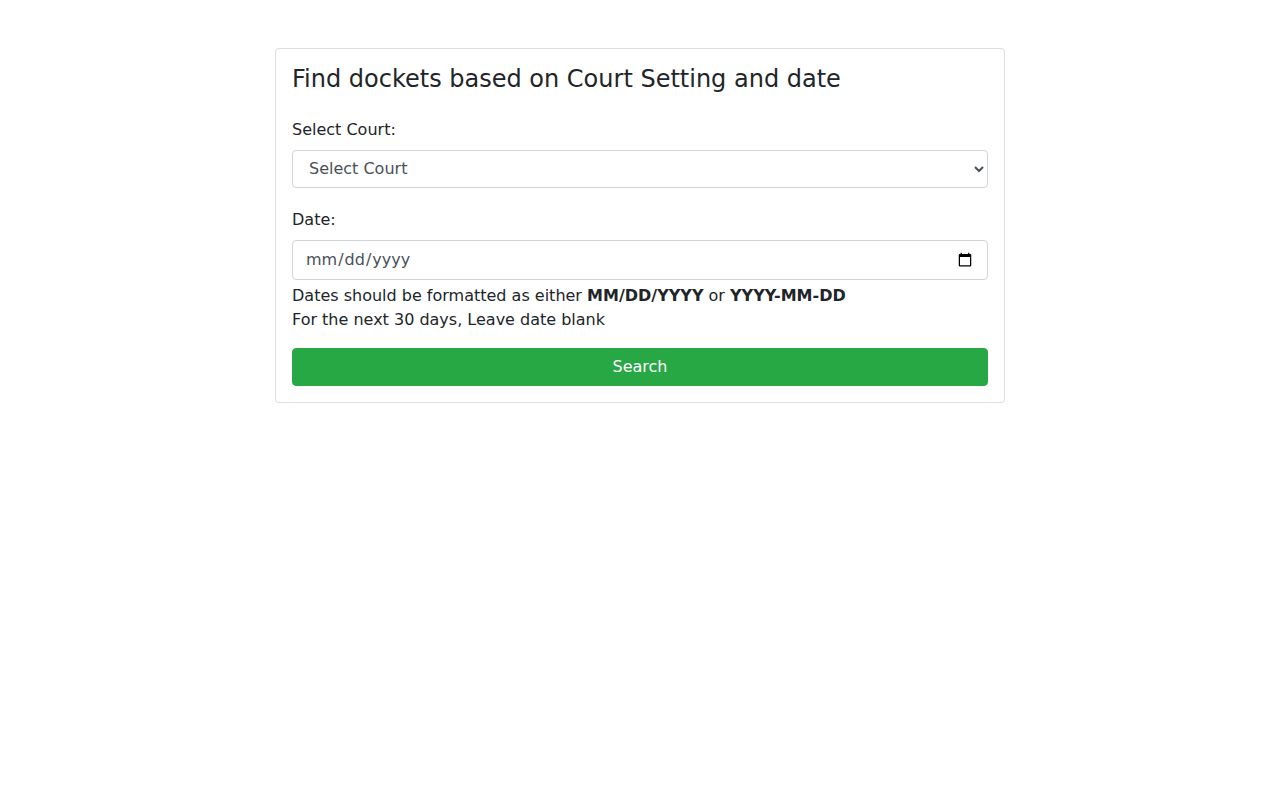
Use it to find a published setting. Then go to the clerk or the statewide layer for filings and images. That distinction keeps a court date from being mistaken for a full case lookup.
What a Case Search Shows
A public Hunt County result may show a case header, court assignment, party roles, filing date, event list, setting, status, or document title. Every platform picks its own fields. A public viewer often sees less than a party or lawyer would.
| Court | The assigned District Court, County Court at Law, JP, or municipal court. |
|---|---|
| Cause number | The best key for matching the record across channels. |
| Style and roles | The caption and labels such as plaintiff, respondent, or State. |
| Events | Filed items, hearings, resets, orders, and disposition entries. |
| Next setting | A scheduled event that must be confirmed with the court. |
| Image status | Whether a public document can be viewed, bought, or requested. |
A docket entry is not the filed paper it describes. When the outcome matters, request the signed order or judgment.
Hunt County Tyler Index Limits
The County Clerk Tyler disclaimer compares its index to a library card catalog. It points the way to records but certifies nothing about the underlying documents. Images can also vanish during system backups.
The posted disclaimer makes that boundary plain.
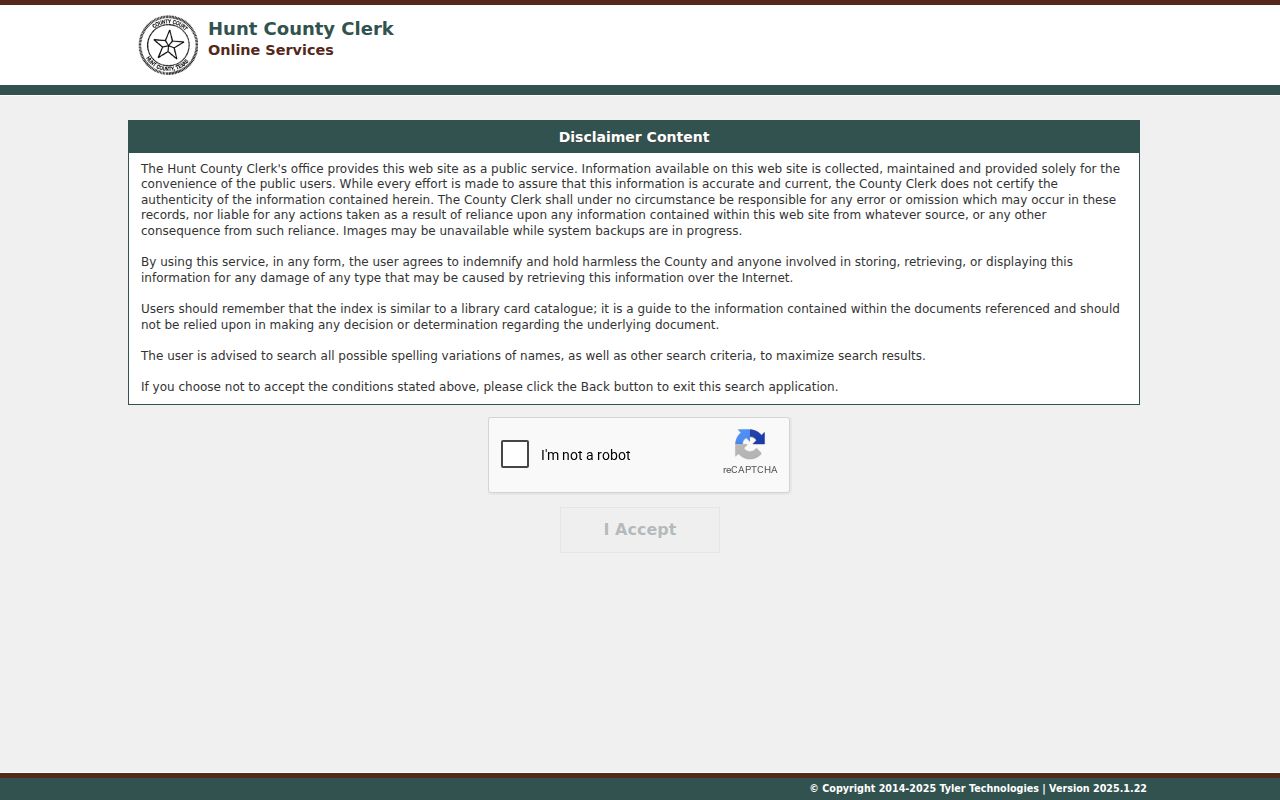
So a Hunt County result can hold metadata without an image. Retry after an outage or ask the County Clerk for a copy. Temporary image loss never means the filing didn't exist.
County vs Statewide Case Search
Local and statewide systems do different jobs. re:SearchTX is Texas's registered, role-based electronic court-record layer, while the Hunt County tools supply local settings, county indexes, and clerk routes. eFileTexas is a filing system, not a public substitute for either one.
| Point | Hunt County route | re:SearchTX |
|---|---|---|
| Best use | Local setting or custodian routing | Integrated electronic cases and filings |
| Coverage | Depends on the local court and clerk | Depends on integration, date, type, and security |
| Access | Portal, clerk counter, request, phone where allowed | Registered role-based account |
| Documents | District images are not promised online | Some public images may carry per-page charges |
Confirm any statewide match with the originating Hunt County clerk before treating it as complete.
Hunt County Public Portal
The county-authorized Tyler application is one County Clerk access point. The live path can shift with vendor configuration. Image availability can shift with backup status. The County Clerk also points misdemeanor, civil, and probate users to its judicial-record search route.
The application landing screen works well as a landmark for a Hunt County case search.
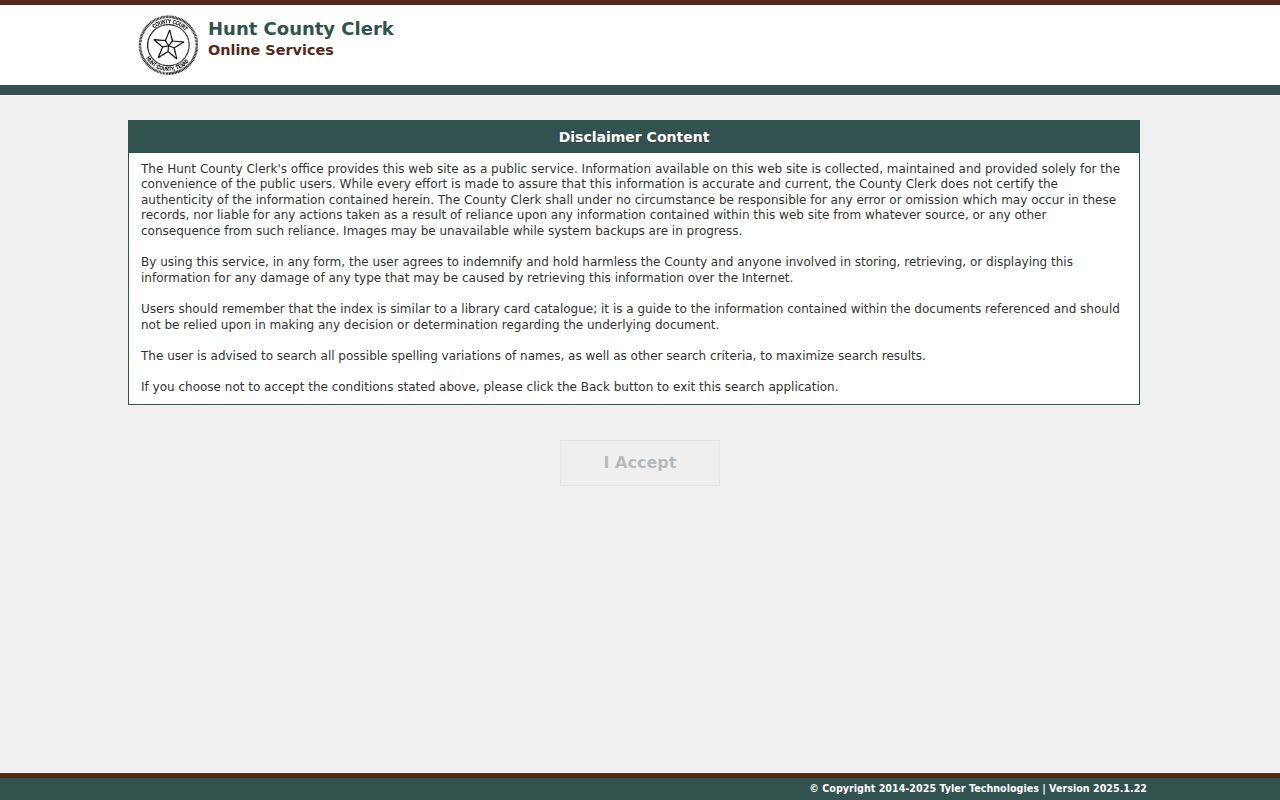
Search the likely spelling variants and write down the date. For a certified result, move from the public index to a clerk-issued copy.
Restricted Cases and Access Rules
Some records stay closed. Juvenile files, sealed cases, protected addresses, sensitive child-protection matters, and secure documents may be hidden or redacted. A search might return only a case shell. It might drop an image, swap out a name, or give the public role nothing at all. District Court images take a request, too. The District Clerk form says they are not available to view online.
A blank result is not proof of no case. Check the court, date range, spelling, custodian, outage status, and access rule.
Ask the clerk instead. There may be a redacted copy, an inspection, a certified copy, or an authorized-party route. Never try to bypass a restriction. Texas Rule of Judicial Administration 12 covers non-case judicial records, while access to court cases themselves rests on case law, statutes, rules, and the court clerk.
Fixing a Missing Hunt County Result
Start with the basics. Confirm the case truly belongs to Hunt County and to the court you searched. Then retest the exact cause number, name spellings, filing year, and case type. A small mismatch hides many docket entries. An outage or backup notice on the system can explain a missing image. Remember that city citations belong with the issuing city, and federal cases must go through PACER.
District court matters take a different route. Use the District Clerk page and its request form. If you already know the cause number, follow the eFileTexas direction given there. No number? Email dclerk@huntcounty.net or mail the request to P.O. Box 1437, Greenville, Texas 75403-1437. The form warns that the office gives no information by phone.
For County Court at Law files, turn to the County Clerk. Its portal, public computers, counter, mail, and judicial copy request all work. Give a precise document title so staff do not have to guess. Keep the clerk's reply, noting the search date, court, terms, and record range checked. That paper trail pays off later.
Timing matters as well. A fresh filing may reach the clerk before any vendor index refreshes, and a hearing date can be reset after you printed a saved result. Write down the date and channel you searched. Then ask whether the clerk checked the current case system, an older index, or a paper file. Those details make any follow-up reproducible.
Common names call for care. Never pick a court record on a name alone. Combine spelling with court, cause number, filing year, case type, and party role. The County Clerk's Tyler disclaimer suggests trying name variations, though broader matching also drags in false matches. A precise request keeps events from two Hunt County cases from being joined by mistake.
Know what kind of hit you have. A calendar hit shows a published setting, and an index hit identifies a cataloged case or instrument. An image shows the filed paper itself. Certification is a separate clerk service. For a judgment, dismissal, probate order, or other court act, get the signed record rather than trusting the search summary. If the clerk says the file sits with another office, note that answer. Then reroute the same precise request. That way a transfer, archive gap, or vendor outage never reads as a negative result.